
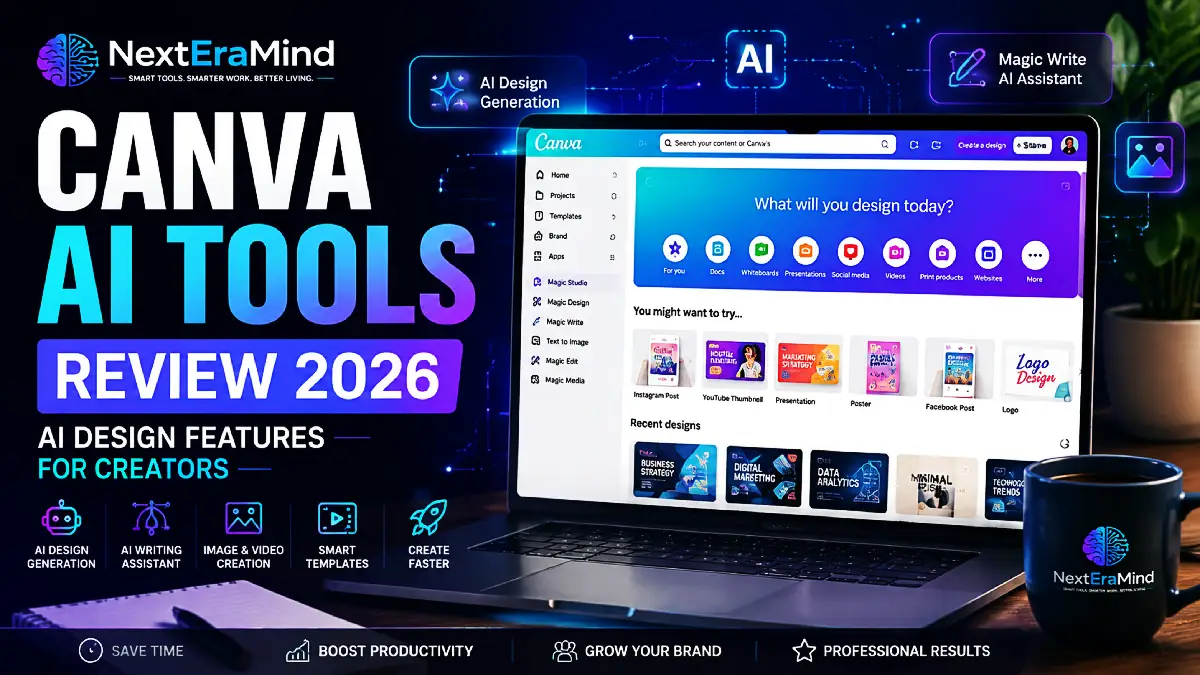
Creating eye-catching designs has become an essential part of online success. Whether you are a blogger, content creator, teacher, marketer, or small business owner, you constantly need images, social media posts, presentations, and marketing materials.
However, not everyone has professional graphic design skills or the time to learn complicated software.
This is where Canva AI tools are changing the way people create content.
By combining artificial intelligence with Canva’s easy drag-and-drop editor, creators can generate ideas, improve designs, write content, and produce professional-looking visuals in much less time.
In this Canva AI tools review, we will explore the most useful AI features, how they can help different types of creators, and whether Canva Pro is worth considering in 2026.
What Are Canva AI Tools?
Canva AI tools are artificial intelligence features integrated into the Canva design platform. They help users create and edit content faster by using AI-powered suggestions, automation, and generation features.
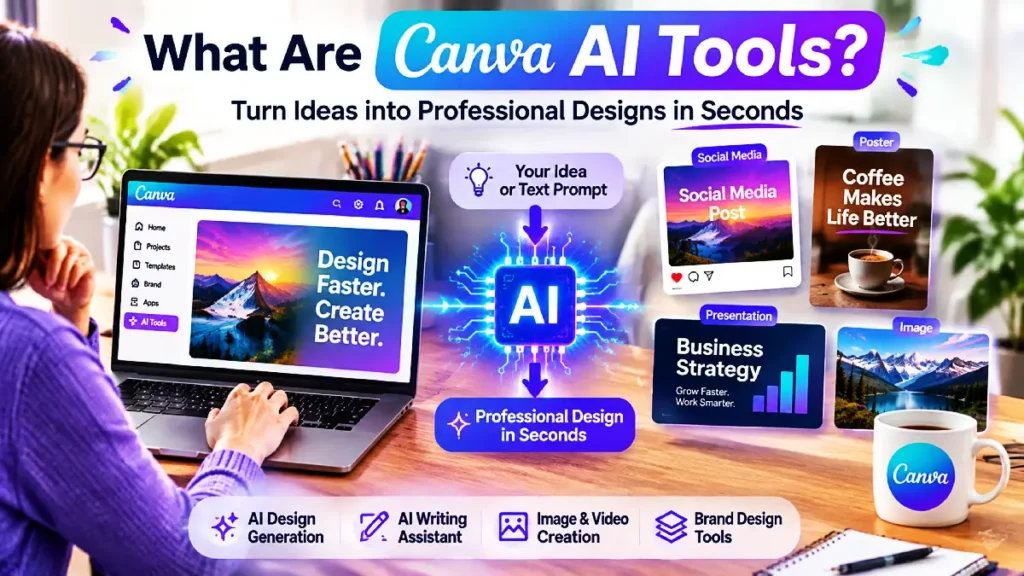
Instead of starting from an empty page, users can describe what they want and let AI assist with:
- Design ideas
- Images
- Text content
- Presentations
- Social media graphics
- Marketing materials
The goal is not to replace creativity but to help people turn their ideas into finished designs more efficiently.
Why Canva AI Tools Are Becoming Popular in 2026
The demand for fast content creation continues to grow.
Businesses need daily social media posts. Bloggers need attractive featured images. YouTubers need thumbnails. Online sellers need product graphics.
Traditional design workflows can take hours, especially for beginners.
With Canva AI tools, many creative tasks that previously required advanced skills can now be completed in minutes.
Some of the biggest reasons creators are choosing Canva AI include:
- Simple interface
- Thousands of ready-made templates
- AI-powered assistance
- Fast content creation
- Beginner-friendly workflow
Best Canva AI Tools and Features You Should Try
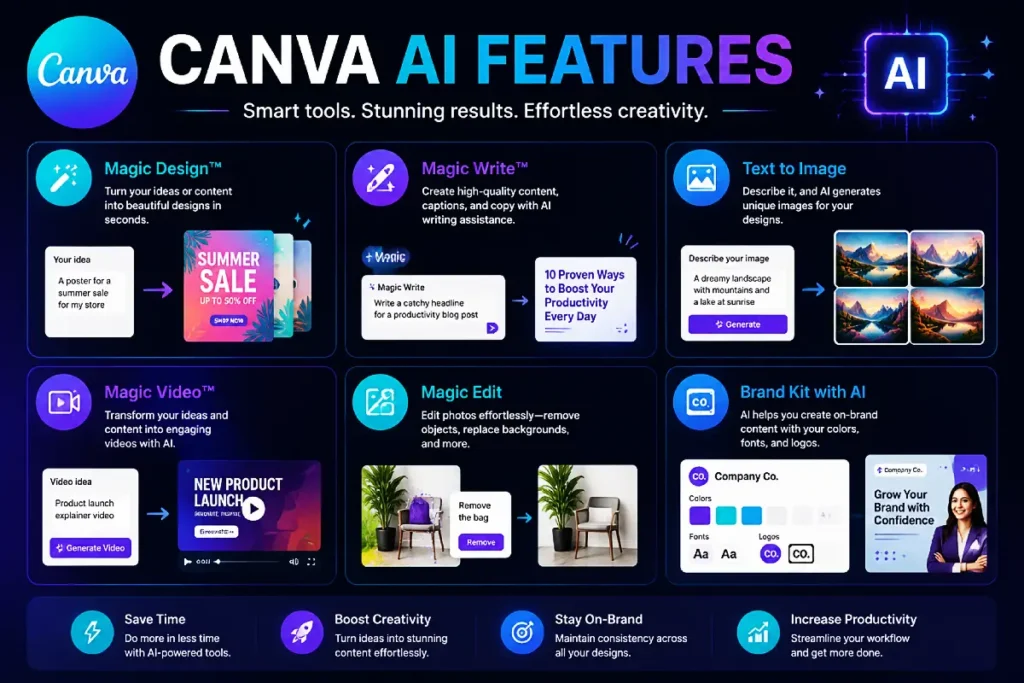
1. Canva AI Design Generator
One of the most useful Canva AI tools features is AI-assisted design creation.
Instead of manually searching through hundreds of templates, users can describe their idea and receive design suggestions.
For example:
“Create an Instagram post promoting a new productivity app.”
Canva can help generate a starting design that can then be customized.
This is especially useful for:
- Social media managers
- Small businesses
- Bloggers
- Entrepreneurs
2. Canva Magic Write for AI Content Creation
Good design usually needs good writing.
Canva Magic Write helps users create:
- Headlines
- Captions
- Presentation text
- Marketing copy
- Content ideas
For bloggers and marketers, this can save time when creating promotional graphics or social media campaigns.
For example, a blogger writing an article about productivity tools can use Canva AI to quickly create social captions that match the article.
3. Canva AI Tools for Creating Images and Visual Content
Visual content plays a major role in attracting attention online.
Canva AI tools help creators produce:
- Blog images
- Social media graphics
- Presentation visuals
- Marketing banners
- Video content
Instead of searching for the perfect image, creators can use AI features to generate ideas and create unique visuals.
This makes Canva particularly useful for people who publish content regularly.
4. Canva AI Tools for Social Media Marketing
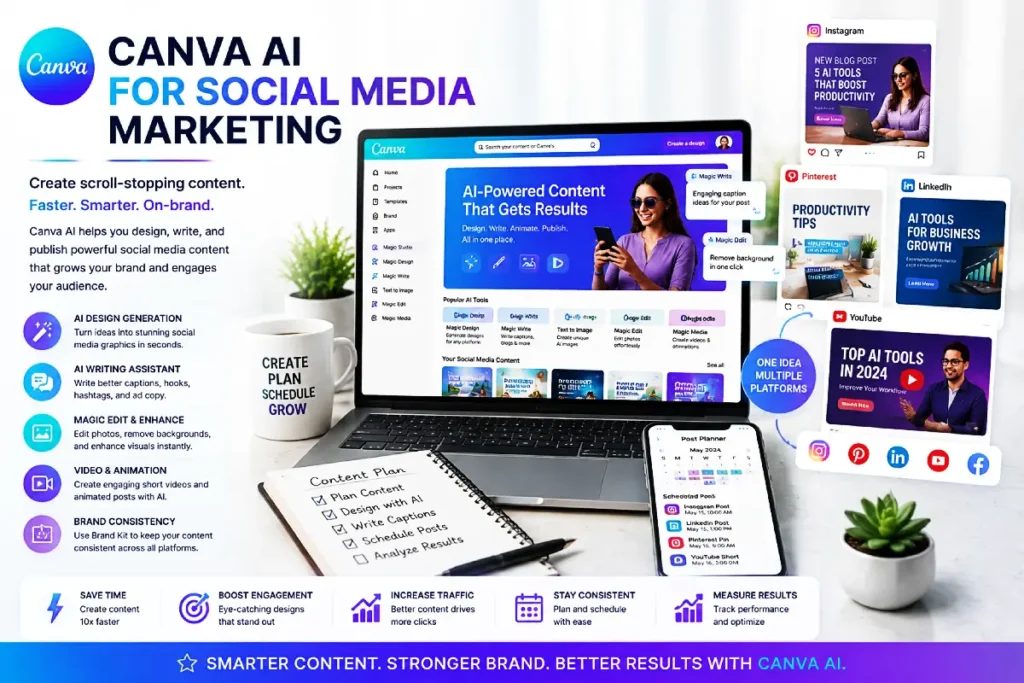
Social media success depends on consistent content.
However, creating fresh designs every day can become exhausting.
Canva AI tools can help marketers create:
- Instagram posts
- Pinterest pins
- Facebook graphics
- LinkedIn visuals
- Short promotional videos
For content creators managing multiple platforms, Canva can become a complete visual content workspace.
How Canva AI Tools Help Bloggers Grow Their Audience
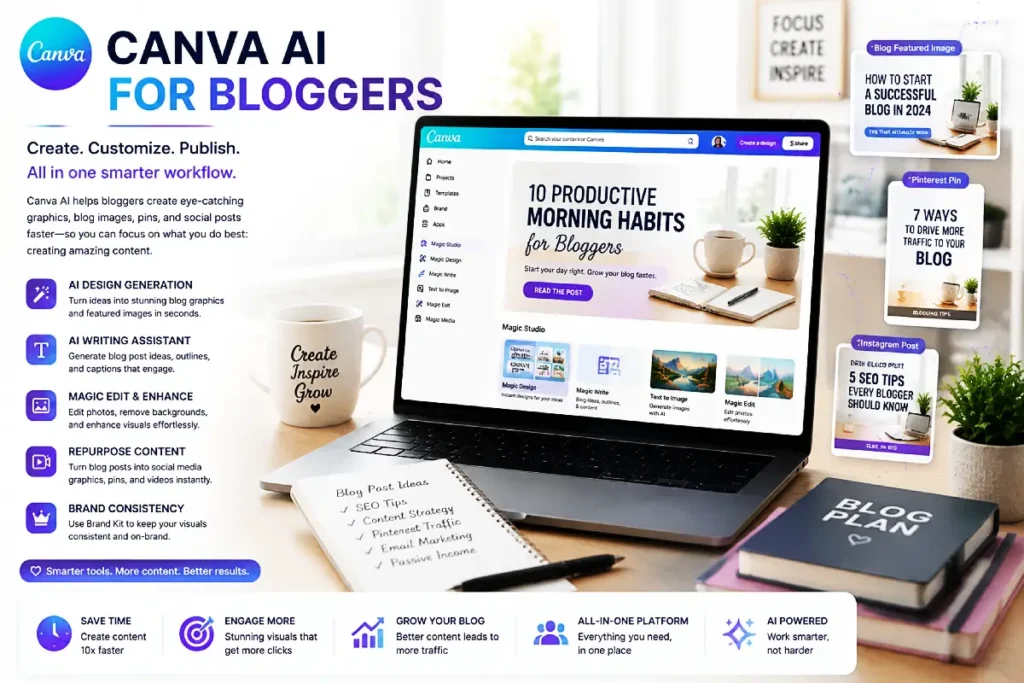
Blogging is not only about writing articles. Successful bloggers also need strong visuals.
Here are some practical ways bloggers can use Canva AI tools:
Creating Featured Blog Images
A professional featured image can improve the appearance of your website and encourage visitors to click on your articles.
Canva helps bloggers create branded images that match their website style.
Designing Pinterest Graphics
Pinterest remains an important traffic source for many bloggers.
Canva makes it easier to create:
- Vertical pins
- Multiple design variations
- Clickable headlines
- Branded templates
Creating Free Resources and Lead Magnets
Many bloggers use downloadable resources to grow email lists.
Canva can help create:
- Checklists
- Ebooks
- Worksheets
- Guides
- Printable resources
This is especially valuable for creators building online businesses.
Canva AI Tools vs Traditional Design Software
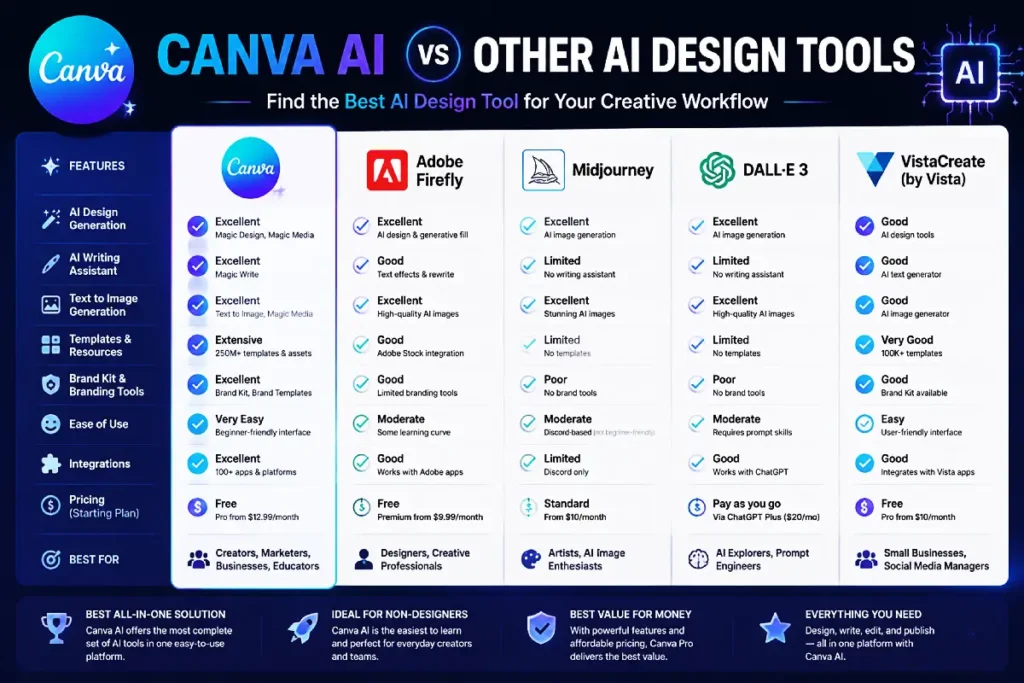
Professional design programs offer powerful features, but they often require a steep learning curve.
Canva’s advantage is simplicity.
Compared with traditional design software, Canva offers:
Easier Learning Curve
Beginners can start creating designs quickly without extensive training.
Faster Content Production
Templates and AI assistance reduce the time needed for everyday designs.
All-in-One Platform
Users can create graphics, presentations, videos, and marketing materials in one place.
However, professional designers working on complex projects may still prefer advanced tools.
Canva Free vs Canva Pro: Is the Upgrade Worth It?
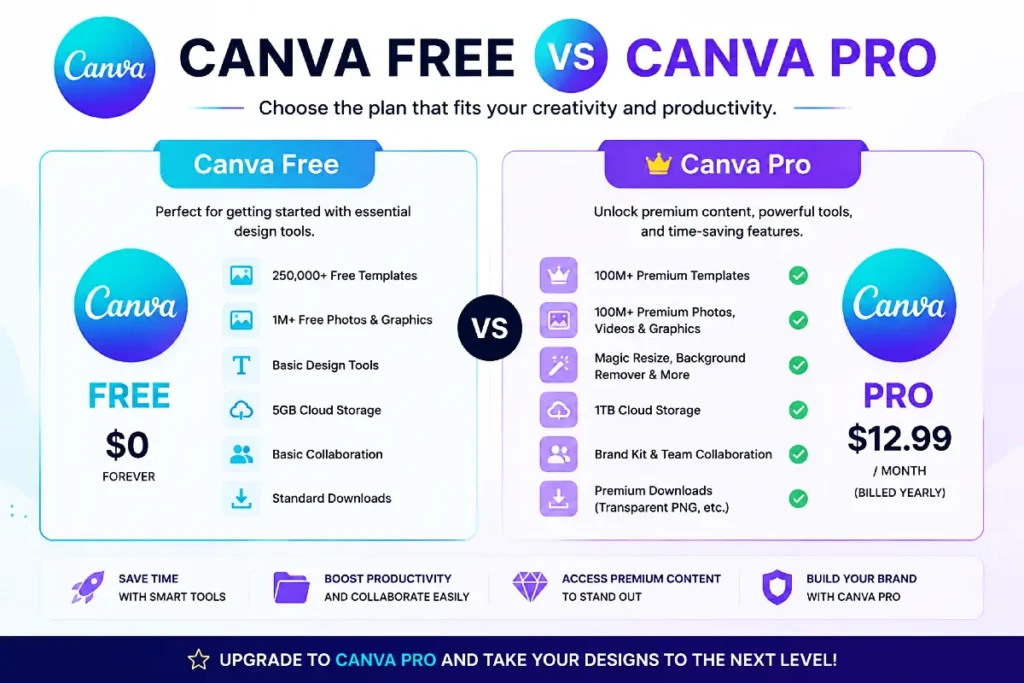
Many users start with Canva Free, which provides access to basic templates and design features.
However, Canva Pro offers additional benefits, including:
- Premium templates
- More design resources
- Advanced AI features
- Brand management tools
- Extra productivity features
For occasional users, the free version may be enough.
For bloggers, marketers, business owners, and digital product sellers who create content frequently, Canva Pro can save significant time.
Who Should Use Canva AI Tools?
Bloggers
Create article graphics, Pinterest pins, and downloadable resources.
Content Creators
Design thumbnails, social media posts, and videos faster.
Teachers
Create presentations, worksheets, and educational materials.
Small Businesses
Build marketing materials without hiring a designer.
Digital Product Sellers
Create planners, printables, ebooks, and promotional images.
Pros and Cons of Canva AI Tools
Pros
✅ Beginner-friendly interface
✅ Saves time creating content
✅ Large template library
✅ Useful AI-powered features
✅ Great for social media marketing
✅ Works well for online businesses
Cons
❌ Some advanced features require Canva Pro
❌ AI-generated designs may need customization
❌ Less suitable for highly complex professional design work
Are Canva AI Tools Worth Using in 2026?
For most creators, the answer is yes.
Canva AI tools provide an efficient way to create professional content without needing advanced design experience.
They are especially valuable for people who need to publish regularly and want to spend more time focusing on ideas rather than technical design tasks.
Whether you are running a blog, growing a social media presence, selling digital products, or building an online brand, Canva can help simplify your creative workflow.
Final Thoughts: Should You Try Canva AI Tools?
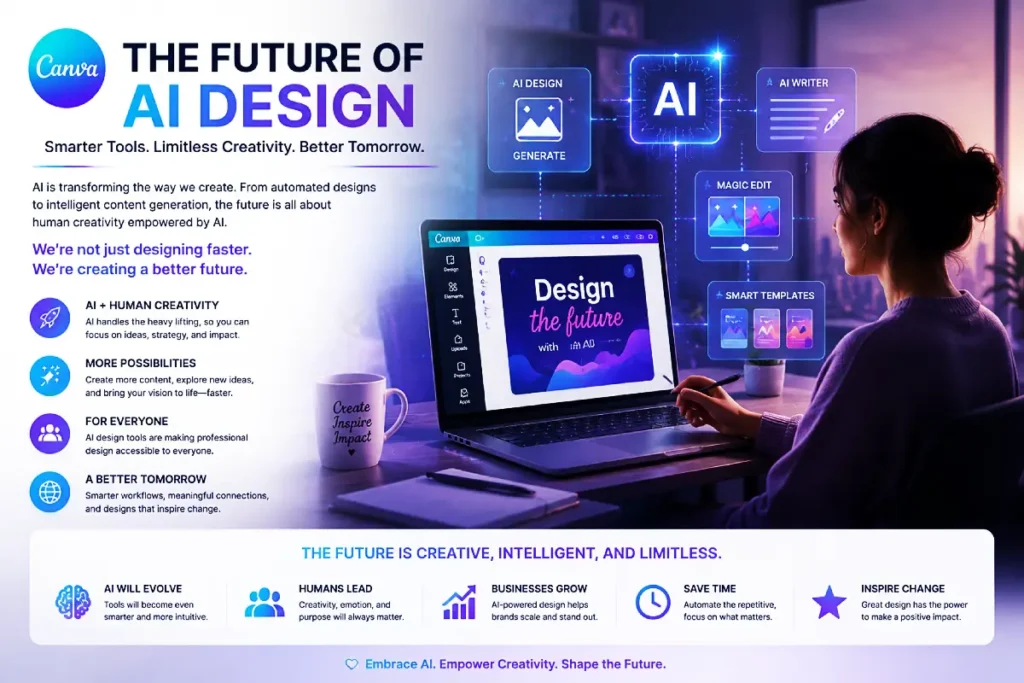
Artificial intelligence is changing the future of content creation, and Canva is making these technologies accessible to everyone.
The biggest advantage of Canva AI tools is not just automation — it is the ability to help ordinary creators produce better content faster.
If you want an easy-to-use AI design platform that combines templates, creativity, and productivity features, Canva is one of the strongest options available in 2026.
Frequently Asked Questions About Canva AI Tools
Are Canva AI tools free?
Canva provides access to some AI features through its free plan, while more advanced features are available with Canva Pro.
Can Canva AI create images?
Yes. Canva AI can help users generate and customize visual content for different purposes.
Are Canva AI tools good for bloggers?
Yes. Bloggers can use Canva AI tools to create featured images, Pinterest graphics, social media posts, and downloadable resources.
Is Canva Pro worth it in 2026?
For users who create content regularly, Canva Pro can be valuable because it provides additional resources and productivity features.
Disclosure: This article may contain affiliate links. If you purchase a product through our links, we may earn a commission at no additional cost to you.